

GOLIRY TOP PICKS · SOFTWARE REVIEWS
The 8 Best CRM Software Solutions for Small Businesses in 2026
Estimated reading time: 9 minutes · Updated by the Goliry Team
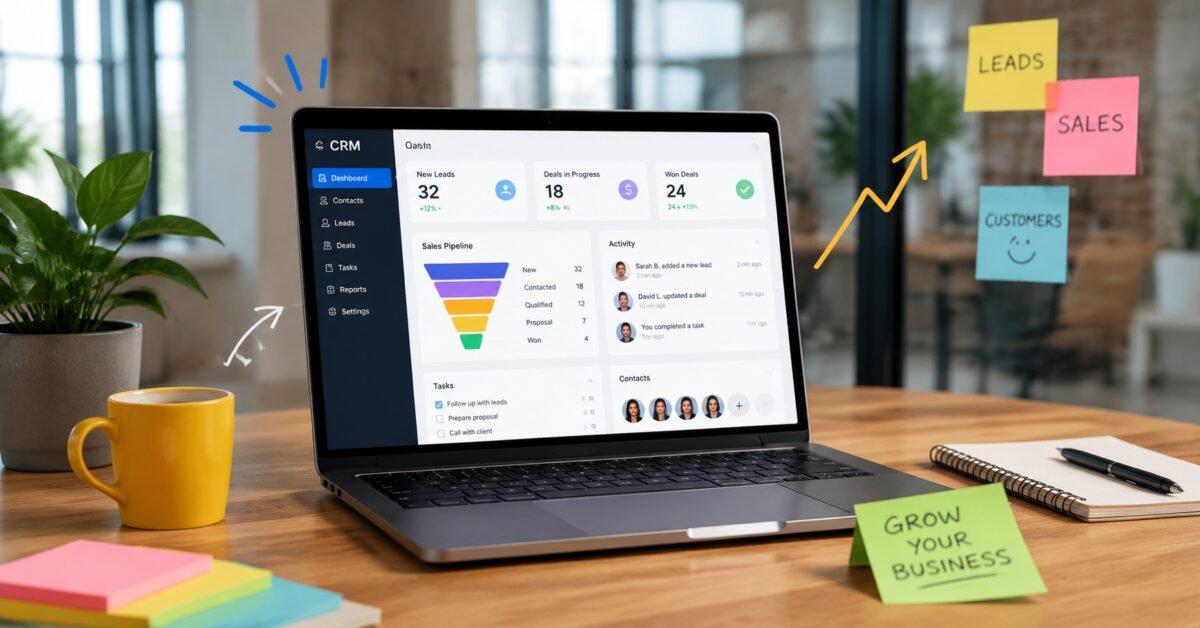
A good CRM is the difference between chasing leads through scattered spreadsheets and inboxes, and running a sales process you can actually forecast. But most CRM platforms were built with enterprise sales teams in mind, which means small businesses often end up paying for complexity they’ll never use — or worse, wrestling with a system so rigid it slows the team down instead of speeding it up.
We tested setup time, pipeline flexibility, email integration, and pricing tiers to find the CRMs that actually fit how small teams sell. Here are our eight top picks for 2026.
What Small Businesses Should Prioritize
- Fast setup — a CRM you can configure in an afternoon, not a quarter.
- Email and calendar sync — logging activity shouldn’t require manual data entry.
- Pipeline customization — sales stages that match your actual process, not a generic template.
- Affordable per-seat pricing — costs that scale sensibly as the team grows.
- Reporting that non-analysts can read — dashboards a founder or sales manager can interpret at a glance.
- Marketing integration — connecting sales activity to email campaigns and lead sources.
1. HubSpot CRM — Best Free Starting Point
HubSpot’s free CRM tier remains remarkably capable for small teams, covering contact management, deal tracking, and email logging without a credit card required. The broader HubSpot ecosystem (marketing, service, and CMS hubs) makes it easy to expand later without switching platforms.
Standout feature: A genuinely usable free tier that doesn’t feel artificially crippled to force an upgrade.
Where it falls short: Costs rise sharply once you need advanced automation or multiple hubs, and contact-based pricing tiers can surprise growing businesses.
2. Pipedrive — Best Visual Sales Pipeline
Pipedrive was built by salespeople frustrated with clunky CRMs, and it shows. The drag-and-drop pipeline view is the clearest, most intuitive in the category, making it easy for reps to see exactly where every deal stands.
Standout feature: Activity-based selling prompts that nudge reps toward the next action needed to move a deal forward.
Where it falls short: Marketing automation features are more limited than all-in-one platforms like HubSpot.
3. Zoho CRM — Best Value for Growing Teams
Zoho CRM offers an unusually deep feature set — AI-powered lead scoring, workflow automation, and multichannel communication — at price points noticeably lower than comparable competitors, especially at mid-tier plans.
Standout feature: Zia, Zoho’s built-in AI assistant, surfaces the best time to contact a lead based on historical engagement patterns.
Where it falls short: The sheer breadth of the Zoho product suite can make navigation feel cluttered for teams that only need core CRM functions.
4. Close — Best for Inside Sales Teams
Close is purpose-built for teams that sell primarily over phone and email rather than in person, with built-in calling, SMS, and email sequencing that eliminates the need for separate outreach tools.
Standout feature: Built-in power dialer and call recording, removing the need for a separate telephony integration.
Where it falls short: Less suited to businesses with complex, multi-stakeholder enterprise sales cycles.
5. Freshsales — Best AI-Driven Lead Scoring
Freshsales leans into predictive lead scoring, using AI to rank which leads are statistically most likely to convert based on behavior and firmographic data, helping small sales teams prioritize limited time effectively.
Standout feature: Freddy AI deal insights that flag at-risk deals before they stall.
Where it falls short: Some advanced AI features are gated behind higher-tier plans.
6. Insightly — Best for Project Handoff After Sale
Insightly bridges the gap between closing a deal and delivering on it, with built-in project management features that let a sales team hand off a closed-won deal directly into a fulfillment workflow without switching tools.
Standout feature: Native project management module connected directly to CRM records.
Where it falls short: The interface feels less modern than newer competitors like Close or Pipedrive.
7. Capsule CRM — Best for Simplicity
Capsule strips CRM functionality down to the essentials — contacts, pipelines, and tasks — without the feature bloat that overwhelms very small teams or solo founders managing sales themselves.
Standout feature: Clean, uncluttered interface that new users can navigate within minutes.
Where it falls short: Lacks the deeper automation and AI features of larger competitors.
8. Copper — Best for Google Workspace Users
Copper was designed from the ground up to live inside Gmail and Google Workspace, automatically logging emails and meetings without manual entry for teams already embedded in Google’s ecosystem.
Standout feature: Near-invisible integration that makes the CRM feel like a natural extension of Gmail rather than a separate tool.
Where it falls short: Less compelling for teams standardized on Microsoft 365 instead of Google Workspace.
Quick Comparison
| Tool | Best For | Free Tier | Built-In Calling |
|---|---|---|---|
| HubSpot CRM | Free starting point | Yes | Limited |
| Pipedrive | Visual pipeline | Trial only | Yes |
| Zoho CRM | Value for growing teams | Limited | Yes |
| Close | Inside sales teams | Trial only | Yes |
| Freshsales | AI lead scoring | Yes | Yes |
| Insightly | Sale-to-delivery handoff | Trial only | No |
| Capsule CRM | Simplicity | Limited | No |
| Copper | Google Workspace users | Trial only | No |
How to Choose the Right CRM for Your Business
- If budget is the top constraint, start with HubSpot CRM‘s free tier.
- If your team sells primarily by phone, Close‘s built-in calling saves real setup time.
- If you live in Gmail all day, Copper will feel invisible in the best way.
- If simplicity matters more than features, Capsule CRM avoids overwhelm.
- If you need to hand deals off to a delivery team, Insightly‘s project module is worth the look.
Signs Your Business Has Outgrown Spreadsheets
Plenty of small businesses delay adopting a CRM far longer than they should, simply because the spreadsheet-and-inbox system has “worked so far.” A few signals suggest it’s time to make the switch:
- Leads are falling through the cracks. If follow-ups depend entirely on someone remembering to check a spreadsheet row, some leads will inevitably go cold without anyone noticing.
- You can’t answer basic pipeline questions quickly. If “how many deals are we likely to close this month” requires manually tallying a spreadsheet, you’re spending time on reporting instead of selling.
- Multiple people are editing the same sheet. Version conflicts, overwritten notes, and “who talked to this lead last” confusion are strong signs your team has outgrown a shared spreadsheet.
- Onboarding new sales hires takes too long. A structured CRM with defined pipeline stages gets new reps productive faster than explaining an ad hoc spreadsheet system from scratch.
- You have no visibility into why deals are lost. Without structured loss reasons tracked over time, it’s difficult to identify patterns and fix them.
Common CRM Implementation Mistakes to Avoid
Even a well-chosen CRM can fail to deliver value if it’s implemented poorly. Based on patterns we’ve seen across small business rollouts, the most common missteps are:
- Copying an overly complex pipeline from a template. Start with the fewest stages that accurately reflect your actual sales process, and add complexity only once it’s genuinely needed.
- Skipping team buy-in before rollout. A CRM that sales reps see as extra data-entry work rather than a tool that helps them will get abandoned within weeks. Involve the team in choosing pipeline stages and required fields.
- Importing messy data without cleanup. Duplicate contacts and inconsistent formatting from an old spreadsheet will follow you into the new system unless you clean the data before migration.
- Over-customizing before understanding real usage patterns. It’s tempting to build extensive custom fields and automations on day one. Better results come from starting simple and adding automation once real usage patterns are clear.
- Not connecting email and calendar immediately. Manual activity logging is the single biggest reason CRM adoption fails. Integrating email sync from day one removes that friction entirely.
Frequently Asked Questions
How long does it typically take to set up a CRM?
For the tools on this list, a basic setup — importing contacts, defining pipeline stages, and connecting email — typically takes a few hours to a day. Full customization with automation rules can take a week or two of iteration.
Can I migrate from spreadsheets easily?
Yes, every CRM listed supports CSV import, and most provide field-mapping tools that make importing spreadsheet data into structured CRM fields straightforward.
Do I need marketing automation built into my CRM?
Only if your sales and marketing teams work tightly together. Many small businesses do fine pairing a lean CRM with a separate, dedicated email marketing tool rather than paying for an all-in-one platform.
Should a solo founder bother with a CRM, or is a spreadsheet enough?
Even solo founders benefit once their pipeline exceeds roughly a dozen active leads at a time, mainly because a CRM automates follow-up reminders that a spreadsheet simply can’t. Several tools on this list, including Capsule and HubSpot’s free tier, are lightweight enough that the switch costs little more than the time to import contacts.
Final Verdict
For most small businesses just getting organized, HubSpot CRM‘s free tier is still the lowest-risk starting point. Teams that already know their process is phone- and email-heavy should look straight to Close or Pipedrive instead of paying for features they won’t use. As with any tool on this list, the CRM that gets used consistently by your team will always outperform the one with the longest feature list.


Leave a Reply