

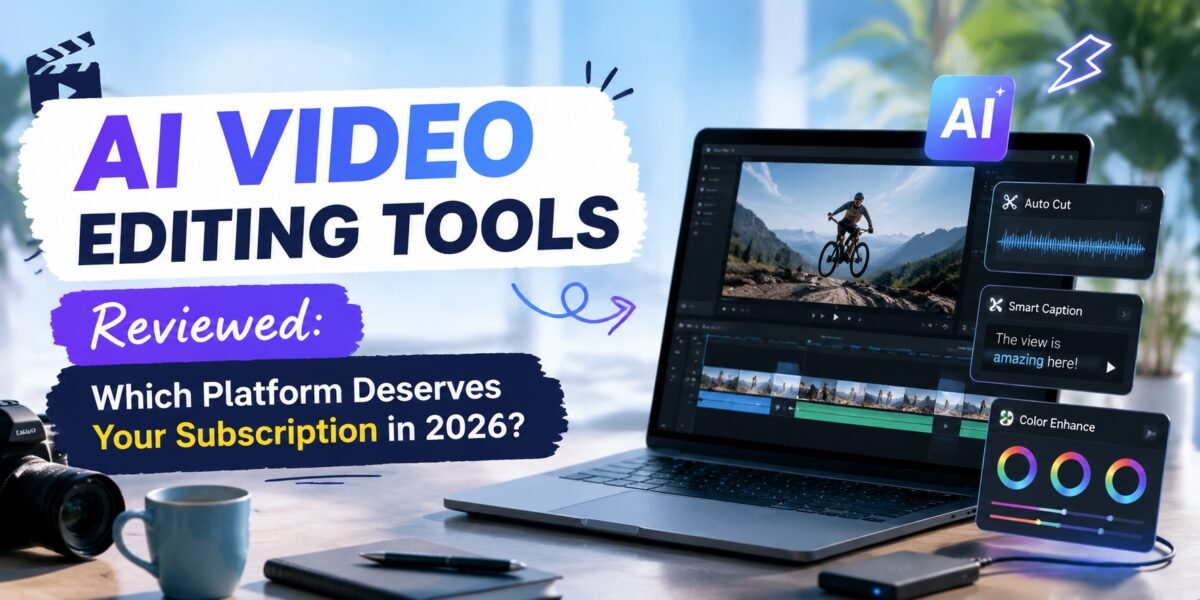
Video used to be the format that punished small teams the hardest — expensive software, a steep learning curve, and hours of manual cutting for every minute of finished footage. AI has quietly dismantled most of that barrier. We put six of the most popular AI video editors through the same test: turn one raw 25-minute podcast recording into a polished short-form clip package. Here’s how they stacked up, ranked tier-list style.
S-Tier: Genuinely Best in Class
Descript — Editing Video Like a Word Document
Descript’s core idea — edit video by editing its transcript — remains the single best UX innovation in this category. Delete a filler word from the text, and it’s cut from the video automatically, with the visual edit smoothed for you. Its “Studio Sound” cleans up audio convincingly, and Overdub can regenerate a flubbed line in your own AI-cloned voice rather than making you re-record.
- Pros: Transcript-based editing is a genuine paradigm shift, excellent audio cleanup, strong for podcast-to-video workflows.
- Cons: Less suited to highly stylized, effects-heavy edits than traditional timeline editors.
Opus Clip — The Clip-Finding Machine
Feed Opus Clip a long-form video, and it identifies the most “clippable” moments, auto-generates vertical crops with dynamic captions, and scores each clip on predicted virality. For creators whose whole business model is turning one long recording into a week of short-form content, this is the closest thing to a shortcut that actually works.
- Pros: Genuinely strong moment-detection, auto-captioning is fast and accurate, built for short-form distribution.
- Cons: Virality scoring should be treated as a rough signal, not gospel.
A-Tier: Excellent, With Caveats
Runway — The Creative Playground
Runway leans further into generative video than any tool on this list — text-to-video, video-to-video style transfer, green-screen removal without an actual green screen, and object removal that used to require frame-by-frame masking. It’s less about cutting your existing footage and more about generating or radically transforming it.
- Pros: Cutting-edge generative features, powerful for VFX-style work, fast iteration.
- Cons: Steeper learning curve, generative video quality still needs a critical eye for continuity errors.
Adobe Premiere Pro (with Firefly AI) — The Professional’s Safety Net
Premiere’s AI features — generative extend, object removal, auto-reframe for multiple aspect ratios — are bolted onto the industry-standard timeline editor rather than replacing it. That makes it the natural pick for professional editors who want AI as an accelerant on top of full manual control, not a substitute for it.
B-Tier: Solid, Situational Picks
CapCut — The Default for Social-First Creators
CapCut remains the most accessible tool on this list, with a huge library of trending templates, auto-captions, and beat-synced editing that makes it the default choice for creators posting directly to TikTok and Reels. It won’t win on raw editing power, but for speed-to-publish on social platforms, nothing beats it.
Pictory — Turning Text Into Video
Pictory’s niche is converting blog posts and scripts directly into stock-footage-backed videos, which makes it a reasonable pick for content teams repurposing written content into video without filming anything new. Output quality is serviceable rather than exceptional, hence the B-tier placement.
Head-to-Head: The Podcast Test
Using the same 25-minute recording, Descript produced the cleanest full-episode edit in the least time thanks to transcript editing. Opus Clip generated the strongest batch of short-form clips, correctly identifying three genuinely quotable moments the human editor on our team had also flagged independently. Runway’s object removal cleaned up a distracting background element convincingly, though it introduced a minor artifact during a fast camera pan.
| Tool | Tier | Best For | Starting Price |
|---|---|---|---|
| Descript | S | Podcast & talking-head editing | $24/mo |
| Opus Clip | S | Long-to-short clip repurposing | $15/mo |
| Runway | A | Generative video & VFX | $15/mo |
| Premiere Pro | A | Professional full-control editing | $22.99/mo |
| CapCut | B | Fast social-first editing | Free / $9.99/mo Pro |
| Pictory | B | Text-to-video repurposing | $19/mo |
What We Learned Cutting the Same Footage Six Different Ways
Beyond the headline results, a few smaller details ended up mattering more than expected once we actually sat down and compared outputs side by side.
Audio quality turned out to be the single biggest differentiator in perceived polish. Descript’s Studio Sound feature removed a noticeable room echo from our test recording that none of the other five tools addressed automatically — CapCut and Pictory in particular left the raw audio untouched unless we manually applied a separate cleanup step. For anyone editing footage recorded outside a treated studio space, that one feature alone may justify Descript’s subscription cost.
Caption accuracy was more uniform across the board than we expected, with Opus Clip, CapCut, and Descript all landing above 95% transcription accuracy on clear speech, dropping meaningfully only on overlapping dialogue or heavy accents. Where the tools diverged was caption styling — Opus Clip’s dynamic, word-by-word highlighted captions consistently tested better for short-form retention in informal viewing among our team, while CapCut’s template-driven captions were faster to brand-match for teams with existing style guidelines.
Building a Lean AI Video Workflow
Most creators don’t need all six tools running simultaneously. A practical, low-overhead stack for a solo creator or small team publishing both long- and short-form content typically looks like this: record and edit the core long-form piece in Descript, taking advantage of transcript-based editing and Studio Sound; run the finished long-form export through Opus Clip to generate a batch of short-form candidates; and reserve Runway for the occasional piece that specifically needs a generative effect — object removal, style transfer, or an establishing shot you don’t have footage for — rather than as a default step in every edit.
Professional editors working inside agencies or production teams will generally still want Premiere Pro as the system of record, layering Firefly’s AI features on top for speed rather than replacing the timeline-based workflow entirely — especially on projects with strict client revision and version-control requirements that looser, cloud-first tools don’t handle as gracefully.
Cost Considerations Beyond the Subscription Price
List price only tells part of the story. Cloud-based generative tools like Runway typically meter usage by render minutes or credits on top of the base subscription, which can add up quickly on longer or higher-resolution projects. Descript and Opus Clip both cap transcription minutes or export counts at lower tiers, meaning a creator publishing daily short-form content will likely need a mid-tier plan rather than the cheapest entry point advertised. Factor in your actual monthly output volume, not just the sticker price, before committing to an annual plan.
Voice Cloning and Overdub: The Feature People Are Most Nervous About
Descript’s Overdub, which lets you type new dialogue and have it spoken back in your own cloned voice, is simultaneously one of the most useful and most ethically loaded features in this comparison. Used well, it saves a re-recording session over a single flubbed word in an otherwise perfect take. Used carelessly, it raises obvious concerns about consent and misuse, which is why Descript requires an explicit voice-training and consent process before the feature activates on any voice profile. Teams adopting this feature should establish an internal policy — at minimum, disclosure to collaborators and clients whenever a final published piece includes AI-regenerated dialogue rather than the original recording.
Mobile and On-the-Go Editing
Worth noting for creators who don’t always edit at a desk: CapCut remains the clear leader for capable mobile-first editing, with nearly full feature parity between its desktop and mobile apps. Opus Clip’s mobile experience is more limited, generally functioning best as a review-and-approve step for clips generated on desktop rather than a full editing environment. Descript, Runway, and Premiere Pro are all effectively desktop-only tools at this point, which is worth factoring in if your workflow depends on editing between meetings or while traveling rather than at a dedicated workstation.
Frequently Asked Questions
Do I still need traditional editing skills?
Less than before, but not zero. Every tool here still benefits from someone who understands pacing, story structure, and what makes a clip worth watching — AI accelerates execution, it doesn’t replace editorial judgment. The teams getting the best results treat these tools as a way to spend more time on creative decisions and less time on mechanical trimming, rather than as a way to skip editorial thinking altogether.
Which tool is best for a total beginner?
CapCut, purely on accessibility — the template library gets you to a finished, publishable video fastest with the least learning curve.
Can these tools handle 4K footage?
Most do, though export speed and rendering costs (especially on cloud-based tools like Runway) scale up meaningfully at higher resolutions.
Final Verdict
If your content starts as a recorded conversation, Descript is close to unbeatable. If your job is turning long recordings into a week of short clips, Opus Clip earns its subscription fast. And if you’re a professional editor who wants AI as a power tool rather than a personality, Premiere Pro with Firefly still makes the most sense. Whichever tool you land on, the underlying shift is the same one running through every category in this guide: AI hasn’t removed the need for editorial judgment, it’s just made the mechanical parts of the job fast enough that judgment is where all your remaining time actually goes.





Leave a Reply